
Stop leading with the machine.
Start with what hurts.
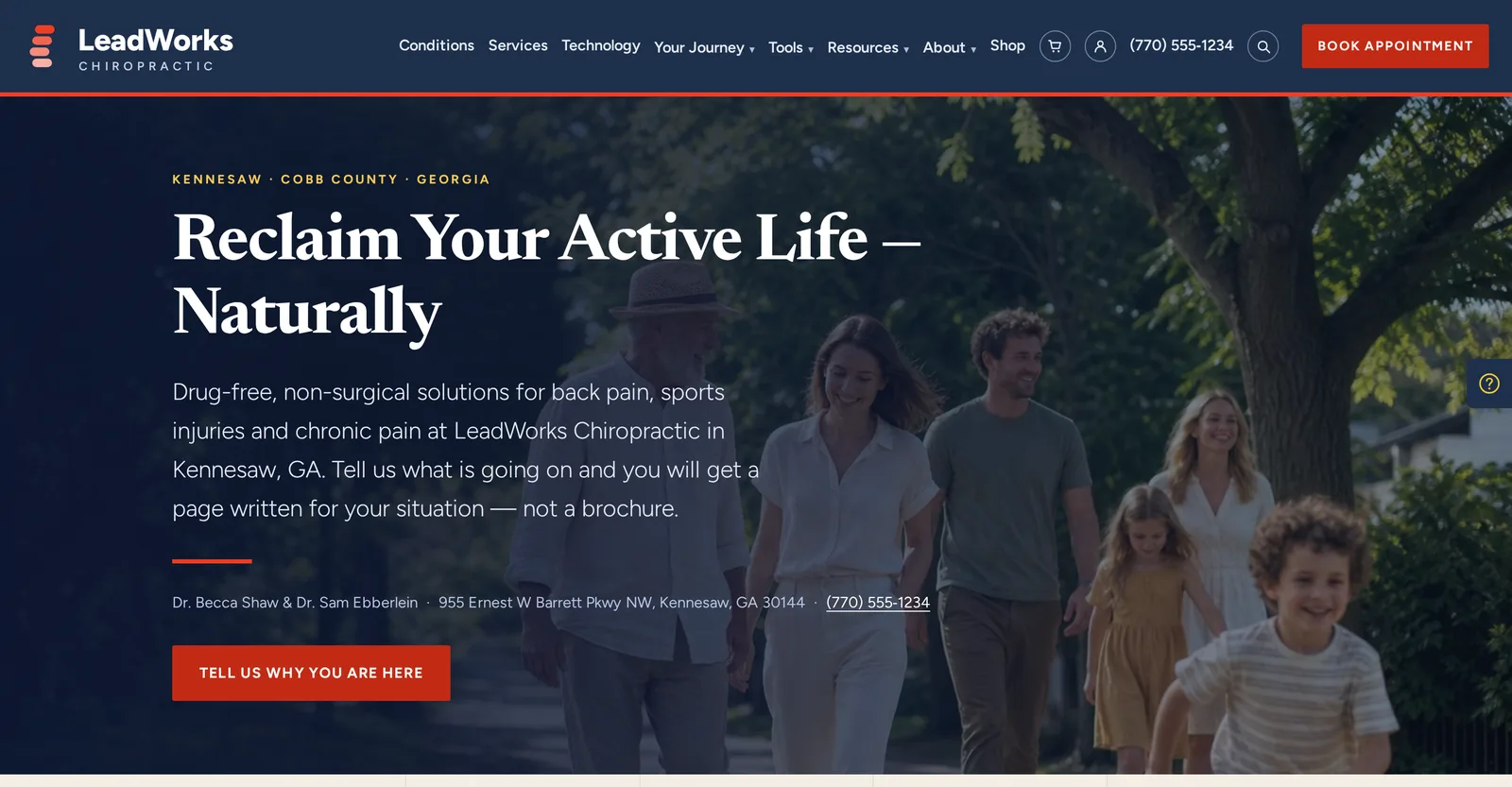
Most new patients have never heard of spinal decompression, and most chiropractic websites lead with it. LeadWorks Intent asks each visitor why they came, writes the page around the answer, and files every inquiry into a CRM that follows up for you.
Most practices rent these separately. Intent replaces them with one login.
Counted on the live demo. Every page and tool is there to open.
The website, the front desk, the CRM and the email, finally talking to each other.
Most practices glue together a website, a chat widget, a booking app, an email tool and a spreadsheet of leads. Intent is one system, so the question a visitor typed, the chat, the booking and the follow-up all belong to the same patient record.
A website that asks first
The visitor says what is wrong. The site does the rest.
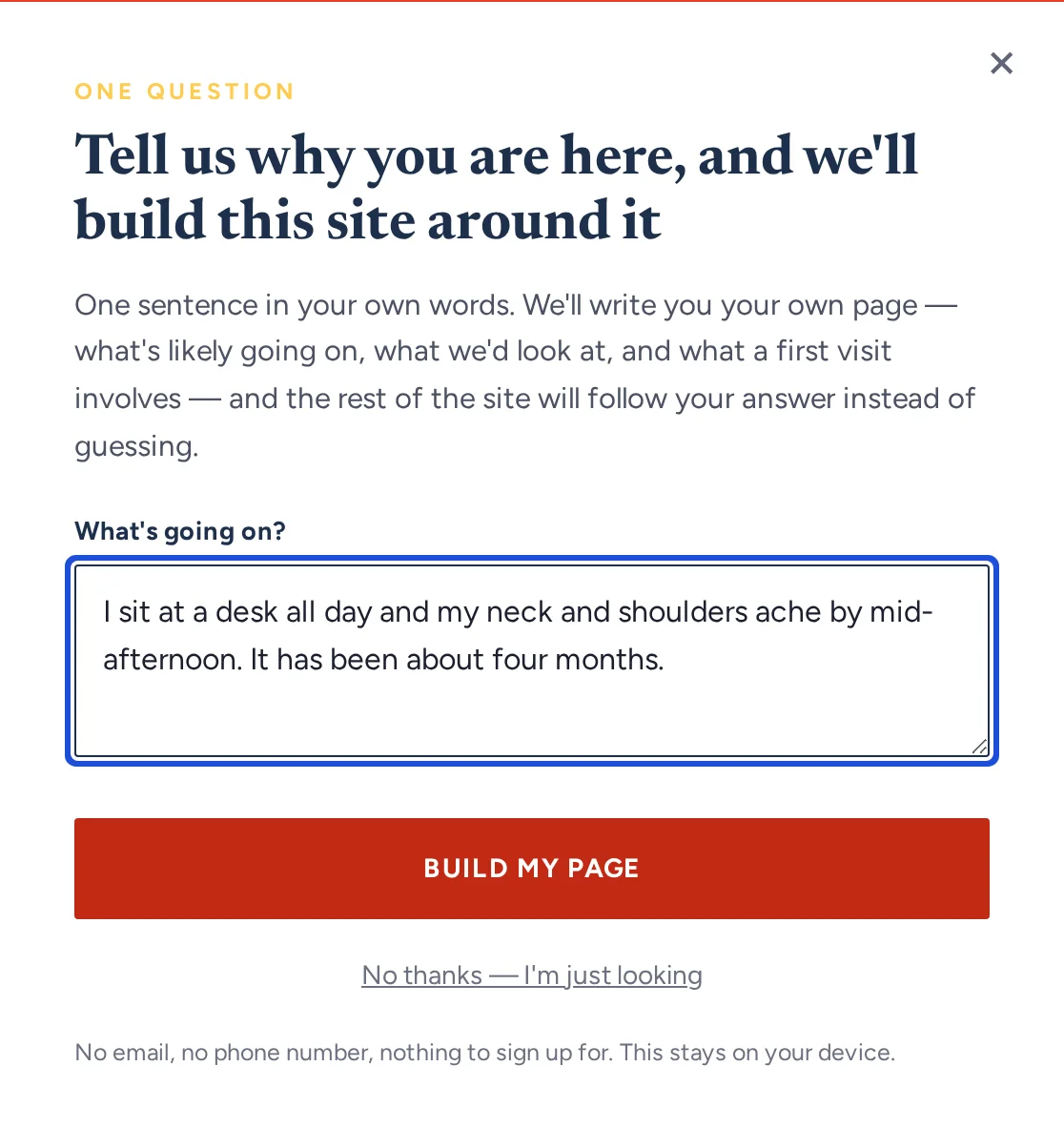
- One question, in plain words: why are you here?
- A page written for their situation, not a brochure
- Twelve journey pages, from desk workers to youth athletes
- The menu and the site re-order around their answer
- Condition, service, technology and town pages Google can index
Claire, the front desk that never closes
An AI receptionist on every page, day and night.
- Answers from the practice's own approved facts
- Knows every page on the site and links to the right one
- Points visitors to booking or the phone
- Says plainly that she is not giving medical advice
- Every chat lands in Conversations with the contact attached
A CRM that follows up
Every inquiry becomes a contact with a history.
- Forms, chats, calls, email and texts in one inbox
- Online appointments with confirmations and reminders
- Contacts with source, tags and full history
- Automations that stop the moment someone books
- Consent records that are added to, never overwritten
A portal that writes and sends
Content and email without a second tool.
- Copywriter drafts blog posts in your practice's voice
- Promote With Email for every article
- A newsletter that sends itself on your schedule
- Card library: edit once, every page updates
- Video library and link shortener built in
You didn't open a practice to chase leads.
Here is where new patients slip away, and what happens instead on an Intent site.
One question, then a page written for them.
A new patient rarely knows the name of what they need. Intent asks in plain words and lets them answer in theirs. The site then writes a page for that situation: what usually sits behind it, what the practice would look at, and what a first visit involves.
- The visitor's own words, not a checklist of conditions
- Educational only, and it says so: never a diagnosis
- Their answer re-orders the menu and the pages around them
- Journey pages for the patients a practice sees most
- What they typed feeds the Intent funnel: a year of copy written by your own market
A page for every condition, service and technology.
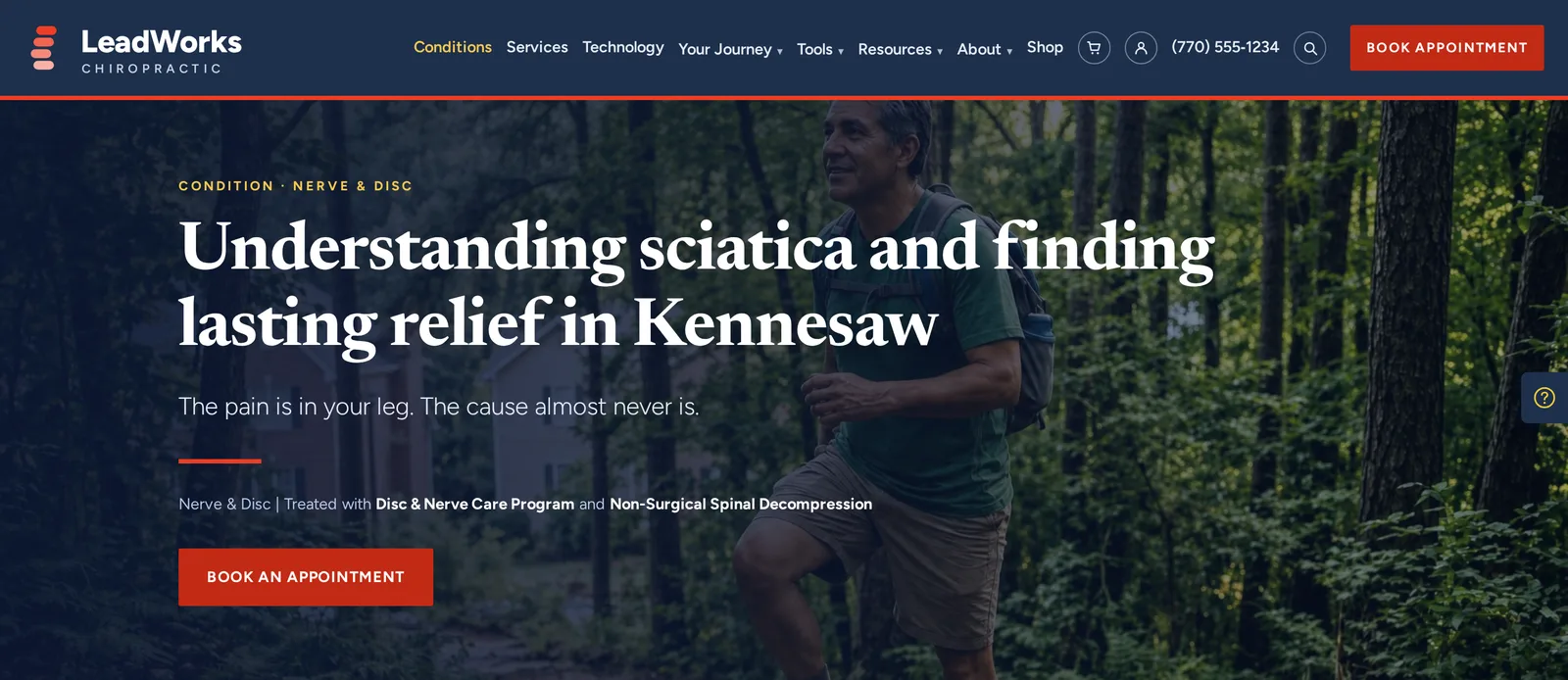
Patients search “sciatica” and “pain down my leg,” not the brand name of your equipment. Intent gives each condition, service and technology its own page, links them to each other, and ships every one as real HTML that Google can read.
- Condition pages for what patients actually type
- Service and technology pages that explain who each one helps
- Town pages for the communities you serve
- Each page prerendered with its own title, description and structured data, and listed in the sitemap
- Switch a page on or off in Website content to match what your practice offers
Tools that answer the question before they call.
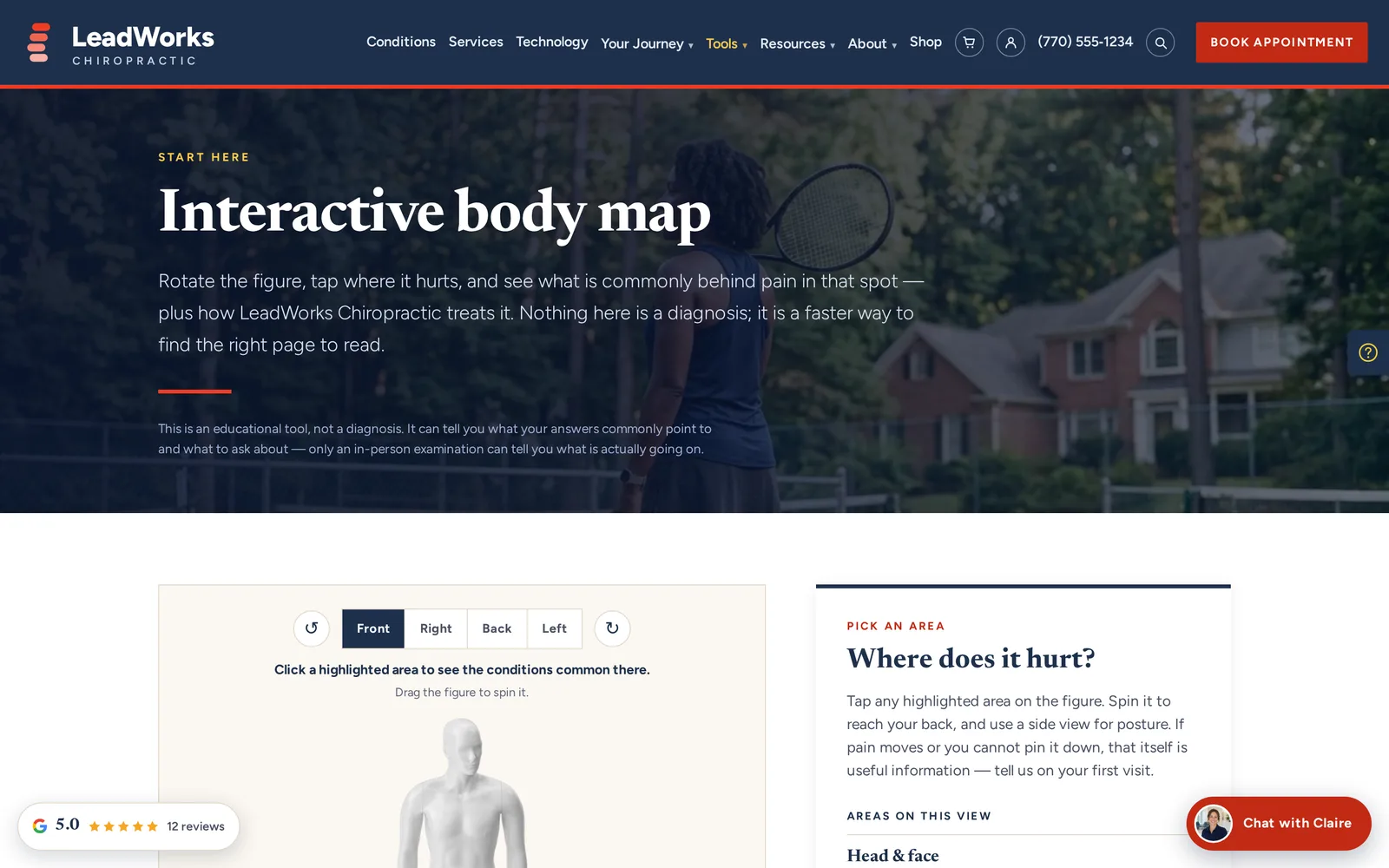
The demo carries 11 interactive tools. Each one gives a plain answer about the visitor's own situation, with no email required to see it, and points to the page that explains it.
- Interactive body map: tap where it hurts, see what is commonly behind it
- Decompression candidacy check and “Is this a chiropractic case?”
- Desk-setup guide, posture check and sleep-position guide
- Recovery timeline, movement screen and spine age
- Kids' milestones and the cost of putting off care
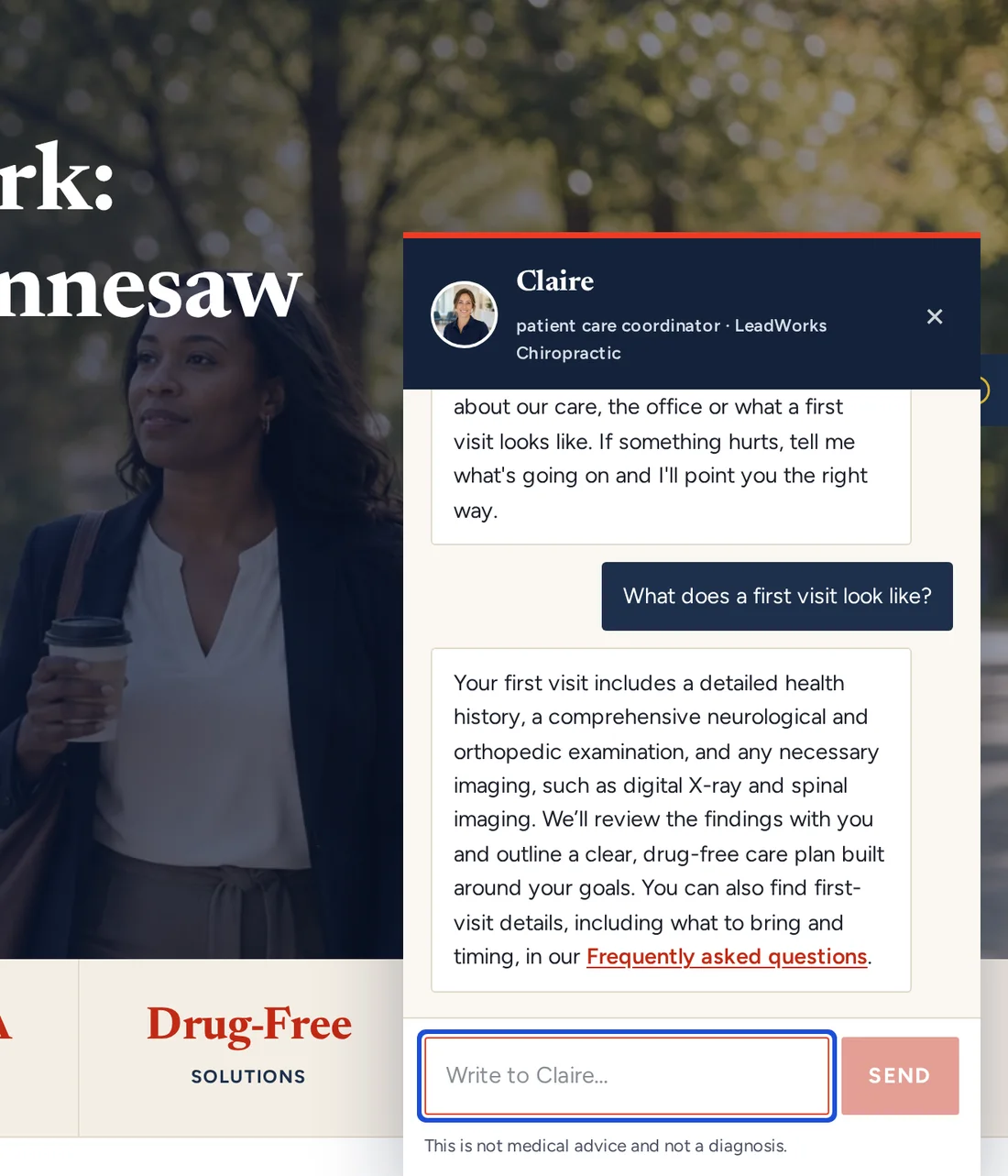
She answers at 10 p.m., so your front desk doesn't have to.
Claire is built into every Intent site. She answers from the practice's own approved facts, offers the questions people usually ask, and points visitors to the right page or straight to booking.
- Suggested questions: hours, insurance, first visit, conditions
- Links to the page that answers the question
- Declines rather than guesses, and routes to the phone or a form
- Every conversation lands in Conversations with the contact attached
- One inbox for chat, forms, calls, email, texts, Facebook and Instagram messages
One login runs the website, the CRM and the email.
The website is the half your visitors see. The portal is the half your team uses: every screen below is a real screen, and the demo call walks through them on a live site.
Start here
What needs you today, in one screen.
- Today: new leads, replies and follow-ups due
- Conversations: one inbox for every channel
- Appointments and online booking
- Intent funnel: what patients typed, and where they dropped off
- My Inspiration: monthly marketing ideas
Website content
Change the site without calling anyone.
- Card library: edit a card once, every page updates
- Pages, menu and blog
- Media library and video library
- Knowledge base that feeds the receptionist
- Internal links and accessibility checks
CRM
Every inquiry becomes a contact with a history.
- Contacts, lists and tags
- Customer profiles for each type of visitor
- Opportunities and quotes
- Forms that file into the CRM
- Activity feed for every contact
Marketing
Email that writes, schedules and paces itself.
- Copywriter with Promote With Email
- Email campaigns and the email builder
- Automatic newsletter on your schedule
- Automations and printable handouts
- Link shortener and sending health
Website performance
Whether the marketing is working, in plain view.
- Google Analytics and Google Search results
- SEO rankings and AI visibility
- Google Business Profile, including reviews
- Call tracking, link and video analytics
- PageSpeed and page weight
Shop
A built-in store, not a bolt-on.
- Products, collections and inventory
- Orders, customers and carts
- Coupons and gift cards
- Sales tax and shipping
- Sale banner and pop-up
Some modules, such as texting and call tracking, are add-ons. We will tell you which on the call.
From blog post to inbox, without a second tool.
Most practices pay for a website, an email platform and a newsletter service, then copy and paste between them. In Intent it is one flow.
Copywriter drafts the article
A blog post in your practice's voice, linked to the pages you have switched on.
Promote With Email
Schedule the email that announces it, preview the exact message, then reschedule or cancel in one click.
The newsletter sends itself
Weekly, twice a month, monthly or quarterly, on the day and hour you choose, to everyone who subscribed.
Sending health paces it
A new sending domain ramps up over 28 days, starting at 50 emails a day, so mailbox providers see a steady sending history instead of a sudden flood.
Order confirmations, booking confirmations and form notifications never wait on the ramp. They always send immediately.
We build the engine, then hand you the keys.
You never start from a blank page, and you never need a developer to change one.
- 1
Demo call
We open the live demo and the portal together and look at your current website side by side.
- 2
We build it around your practice
Your services, doctors, towns and brand voice go in. You choose which condition, service and technology pages are switched on.
- 3
Go live, then run it from one login
Publishing rebuilds the site as fast static pages. Your team runs content, the CRM and email from the portal.
What chiropractors ask us.
What is a Generation 2 website?
A first-generation website lists services and technology and leaves the visitor to work out what they need. A Generation 2 website starts with the visitor: it asks why they came, builds the page around the answer, and hands every inquiry to a CRM that follows up.
Is the live demo a real practice?
No. LeadWorks Chiropractic in Kennesaw, Georgia, is a demo practice we built to show the platform, and its practice details are sample content. The pages, tools, Claire and the booking flow run on the same code your site would.
Will Google index the personalized pages?
Yes. Condition, service, technology, journey and town pages are prerendered as static HTML with their own titles, descriptions and structured data, and every one is listed in the sitemap. Personalization runs in the visitor's browser on top of those pages, so search engines read the complete page.
Does Claire give medical advice?
No. Claire answers questions about the practice, its care and what a first visit looks like, using facts the practice has approved. Every chat carries a notice that it is not medical advice or a diagnosis, and she sends anyone who needs care to the phone or to booking.
Can my team update the site themselves?
Yes. Pages, the card library, the menu, the blog, photos and videos are all edited in the portal. Everything in Intent is built to be self-service.
Do I still need a separate email platform or CRM?
No. Contacts, forms, Conversations, appointments, email campaigns, the newsletter and automations all live in the same portal as the website.
What does it cost?
It depends on the modules your practice needs. We quote it on the demo call, after we have looked at your current website with you.

See your practice
as an Intent site.
Thirty minutes. We walk through the live demo and the portal, look at your current website with you, and tell you plainly whether Intent fits your practice.
Or email discover@lead-works.com
Book your Discovery Call
Tell us about your business and we'll show you exactly where your marketing can improve.